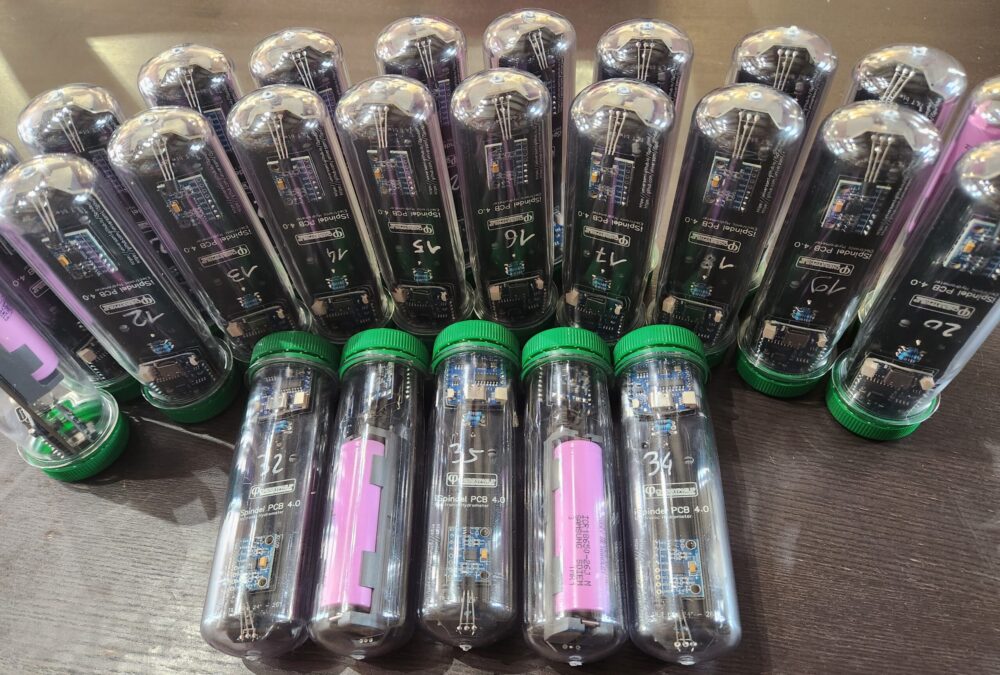
After following the Part 1 of the tutorial, nous allons maintenant configurer l’iSpindel pour se connecter à LittleBock.
Account Creation / Account Login
Log in at the following address: https://www.littlebock.fr/
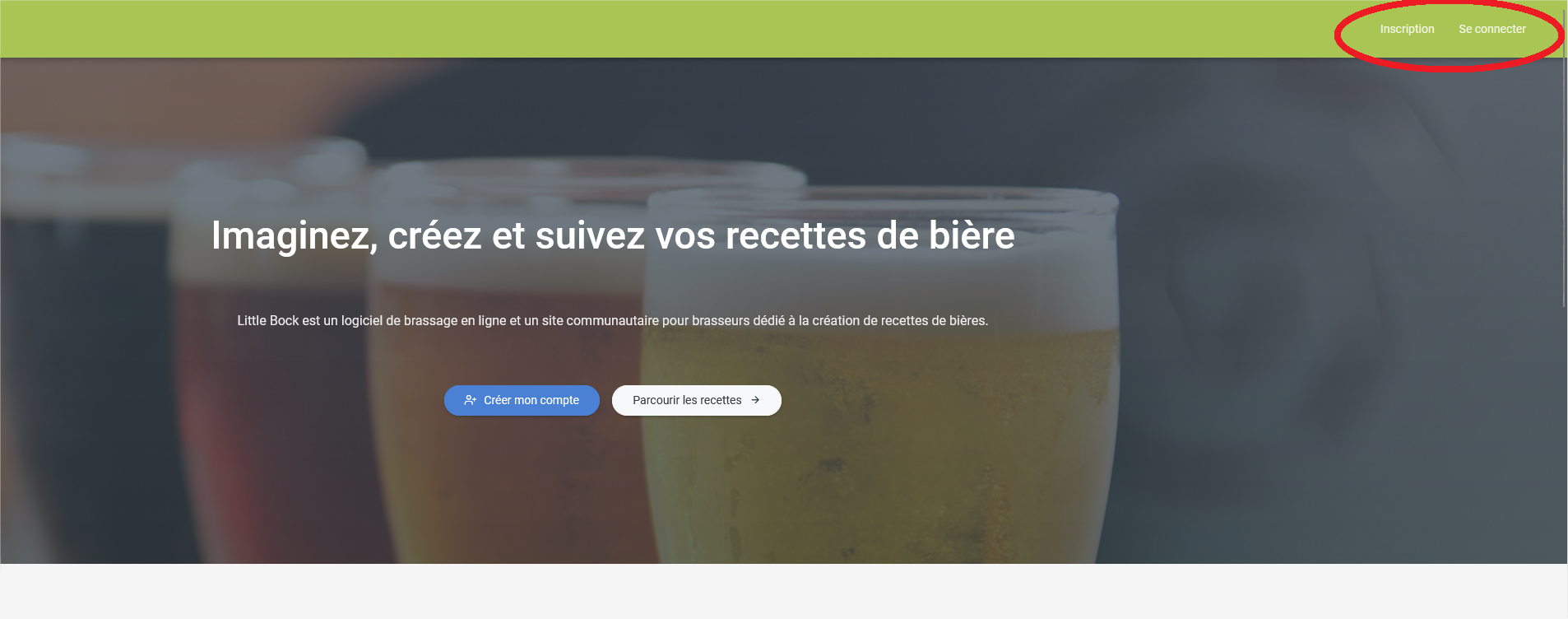
Create your account, or log in to your account.
Adding a connected object
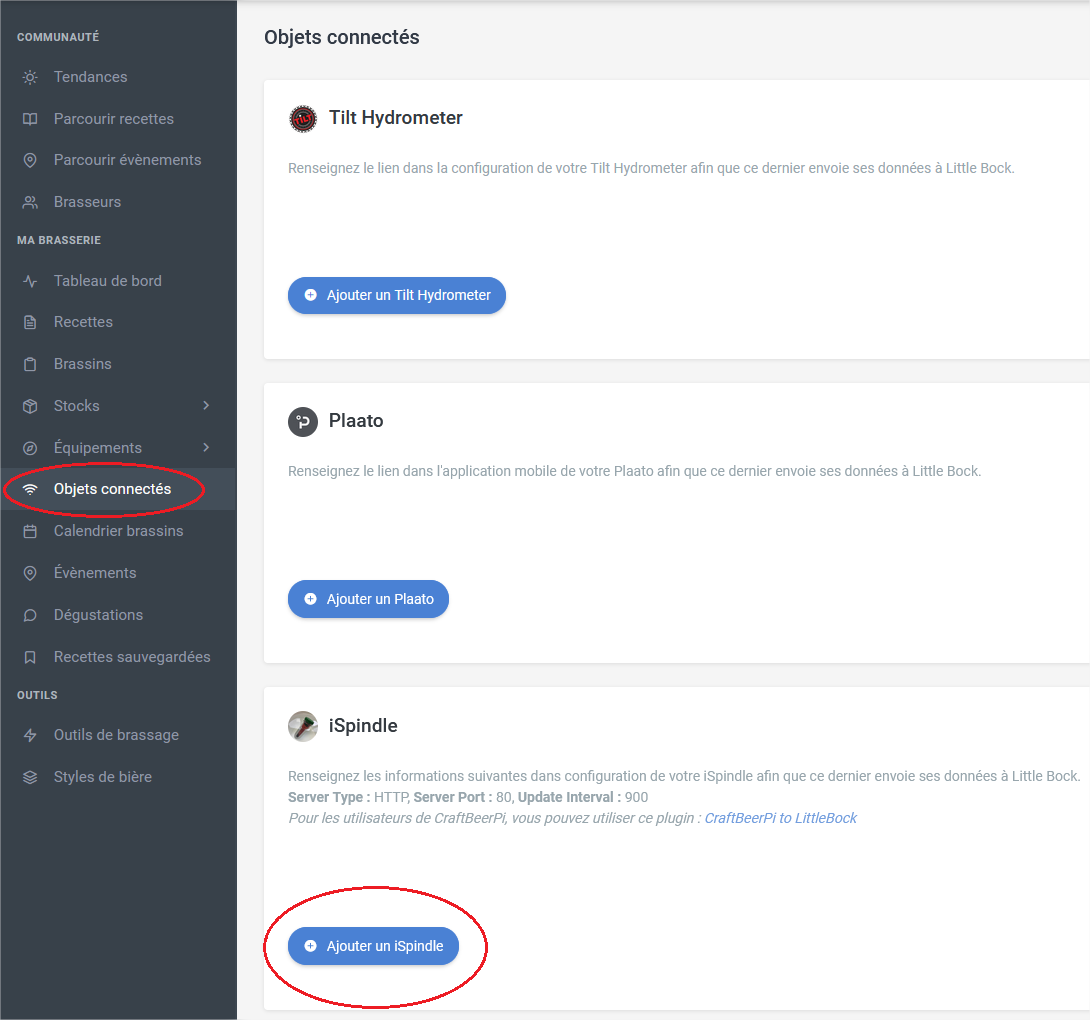
Dans le menu de gauche, cliquez sur Objets connectés, puis cliquez sur “Ajouter un iSpindel”
Une fenêtre s’ouvre, donnez un nom à votre iSpindel, et choisissez l’unité de calibration.
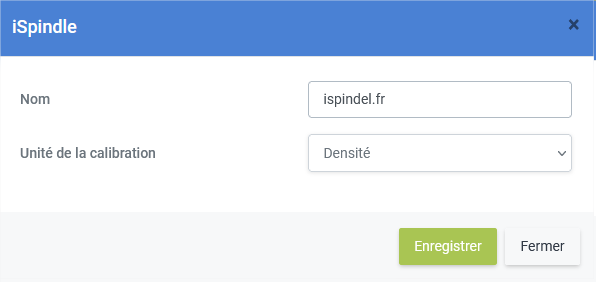
Enregistrez, une ligne se rajoute dans la configuration du site.
Ca vous donne une URL sour le format “/api/log/ispindel/XXXX/YYYY”.
Cette URL sera à saisir dans la configuration de votre iSpindel afin de le “relier” au service LittleBock.

iSpindel Configuration
Return to your iSpindel's configuration page, then click “Configuration”
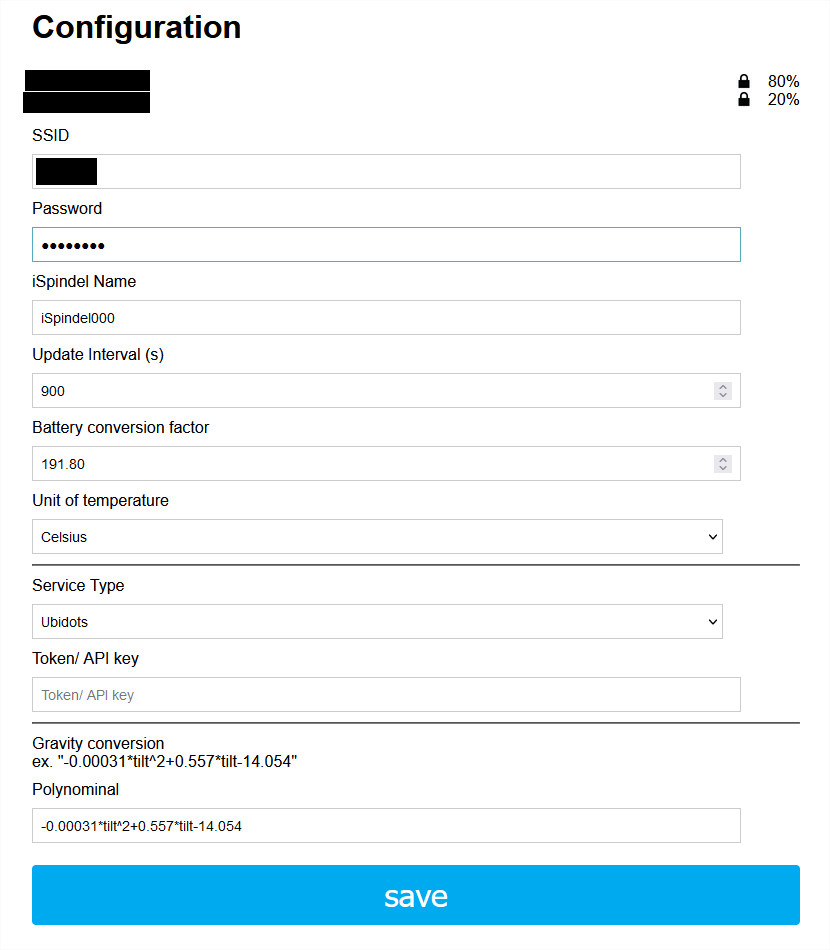
A configuration settings page opens.
The data to be filled in are as follows:
- SSID: In the list of Wi-Fi networks displayed at the top, click on the network you want to connect your device to so that the SSID is automatically filled in.
- Password: Enter your WIFI network password here
- Spider Name : Name_your_device
- Update internal: 900
Ceci est l’intervalle de rafraichissement des données exprimées en secondes. Il faut mettre ici un intervalle de rafraichissement raisonnable. Littlebock filtre tout ce qui est sous les 15 minutes (900 secondes). Avec 15 minutes, une bonne réception wifi, il est possible de tenir plusieurs semaines. Si vous augmentez à 30 minutes, 1 heure, c’est bien aussi… - Battery conversion factor leave what is written
This setting allows the iSpindel to display (or at least approximate as closely as possible) the actual battery voltage. - Degree Celsius Choose your unit
- Service type: Choose the mode“HTTP“
- Token / API key NOTHING
- Server Address: www.littlebock.fr
- Server Port: 80
- Path / URL Cette url est celle donnée par LittleBock comme vu plus haut après l’ajout du iSpindel. Ici, selon l’exemple il faut noter : /api/log/ispindle/XXXXX/5333
Les XXXXX étant remplacé par la vraie adresse que LittleBock vous donne. - Press “SAVE” at the end of the form
Conclusion
Your iSpindel will restart. The blue LED will flash rapidly for a few seconds, then turn off before turning on once (It will exit config mode, enter normal mode, wake up, measure, and send data).
If all goes well, the blue LED will only light up again in 15 minutes (if you left 900 in “update interval”). If the blue LED starts blinking rapidly again, it means there's a configuration issue.
Pour vérifier que tout est OK, retournez sur LittleBock. Vous devriez voir apparaitre un changement.
La “pastille” de statut devrait passer de la couleur rouge, à la couleur verte et vous donner des unités comme la tension, la densité, et la température.
All you have to do is assign your iSpindel to a brew, and you will have the alcohol content and attenuation.